This Holiday Season, Use your Flip-Pal Like An Archivist
Monday, October 29, 2012 
Thanksgiving is just a few weeks away, do you know where your family photos are? Will you be visiting friends and relatives, and hoping to work in a bit of family history sleuthing between the drumstick and the pumpkin pie?
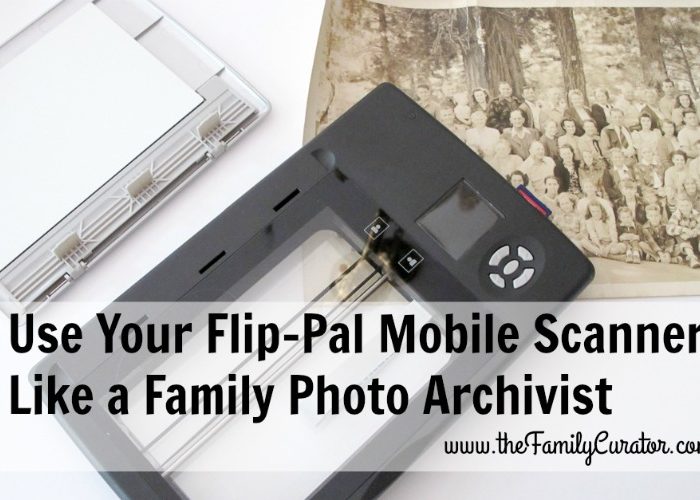
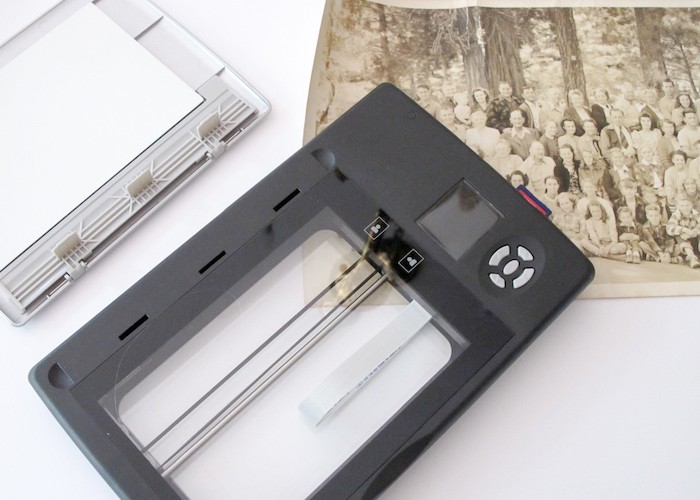
Most family historians have experienced the frustrating situation where a relative shows us a photo or document, but is reluctant to let the item out of their hands to be scanned or photocopied. A digital camera can do a good job in these situations, but a scanned image will be even better. The battery-operated Flip-Pal Mobile Scanner is an ideal travel buddy for holiday get-togethers.

If you plan to pack your Flip-Pal Mobile Scanner along with your potluck dish, plan ahead with a few tips that will turn your heirloom scanning into archival quality images.
Mobile scanners like the Flip-Pal and wand-type scanners can give great results, but you will need to do a few follow-up tasks to turn your image scans into archival copies.
Before You Go
- Take extra batteries and memory card.
- Bring a microfiber cloth to clean the glass scanning bed.
- Purchase a pack of 4 x 6 -inch index cards and/or the Flip-Pal Sketch Kit to use in identifying people, events, and places.
As You Scan
- Organize the photos by size or event. It will be easier to work with them at home if the images are in meaningful groups for cropping and file naming.
- Use the highest setting, 600 dpi, for photos; use 300 dpi for documents.
- Use the index cards or or the Flip Pal Sketch Kit to write captions or identifying information. Write along one side of the card, place it in the margin next to your photo, and scan image and information together. Or, Use the transparent sheet in the Flip-Pal Sketch Kit to identify people without writing on the photo itself.
- Use the cards or sketch kit to create an Index Image that indicates a new series: Uncle's Joe's army pix, 1942-43; Stella's Wedding, 1 Jan 1952.
After You Scan
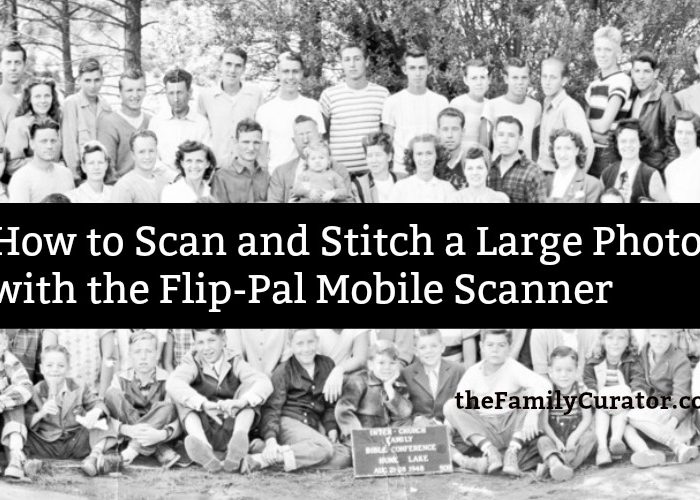
- Transfer images to your computer, using the included software to stitch together any oversize images.
- Import images to your photo organization software. Use batch renaming when available to give your images meaningful filenames, for example: brown-arline_1915_wedding
- Create an archival format TIFF copy of all images and store on an external hard drive. Photo editing software uses different commands to convert files; look for Convert, Export, or Save As commands that allow files to be converted and saved. Select TIFF format and direct the file to be stored in a separate folder.
- Use a copy of the TIFF image file for extensive photo restoration work; use the JPG files for sharing via email, photo books, and web.
JPG vs. TIFF File Format
The Flip-Pal scans images in JPG format, a popular and widely-used image format. JPG is useful because the file sizes are not too large; however, it's also a "lossy" format, so called because the the file is compressed and loses quality and information when it is edited and saved. To avoid this problem, museums and archives use the "loss-less" TIFF format for preservation copies, although the file size will be much larger than a JPG version.
I convert JPG images to TIFF and store these large files on an external hard drive to create Archive Preservation copies of my images.
Special Offer
For a short time, Family Tree Magazine is offering a free copy of my Scanning Secrets video class with the purchase of a Flip-Pal Mobile Scanner. The Flip-Pal makes it easy to scan photos and documents when you're on the go, and the tips in Scanning Secrets will help you transform standard scans into long-term preservation copies.
Scanning Secrets video class is regularly priced at $29.99 and includes ideas to help you
- Select the best settings for your desktop scanner
- Use a scanning workflow to streamline projects
- Set up a scanning station
- Choose the right scan resolution
- Use adjustments for color restoration and descreening
- Tips for faster, easier scanning
Use THIS LINK and the offer code SFTFLIPPAL to receive the Scanning Secrets Video free with your purchase of any Flip Pal mobile scanner. Special offer valid through November 7, 2012, cannot be combined with other offers. Flip Pal mobile scanner must be purchased with code SFTFLIPPAL in order for offer to be valid.
Family Curator
The FAMIILY TREE MAGAZINE special offer has been exended through November 12, 2012. Purchase now and receive a free copy of the Scanning Secrets video class with your Flip-Pal Mobile Scanner.
©2012, Denise Levenick, The Family Curator. www.thefamilycurator.com. All rights reserved.